
Home / Solutions / Go paperless
Go paperlessGo paperless — the practical way
Going paperless doesn't need a project or a scanning marathon. Capture what you handle most with your phone, let it organise into searchable records, and keep new paperwork digital from the start — then bring your team on board.

"Going paperless" usually stalls
Everyone wants the tidy, searchable office — but the usual plan is to scan everything at once, and that project never starts. Paper keeps piling up, a file is always missing the day you need it, and the drawers fill back up faster than anyone can digitise them. The goal is right; the all-or-nothing approach is what fails.
The backlog is too big
Years of paper makes "scan it all" feel impossible, so the move to paperless never gets going.
Nothing's findable
Even scanned files end up as random images in folders nobody can search through.
New paper keeps coming
You digitise the old, but fresh bills and forms arrive on paper and rebuild the pile.
Paperless from today, not from a project
Capture what matters most, let it organise itself, keep new work digital, and bring the team along — one easy step at a time.
Capture what you handle most
Photograph bills, forms and documents with your phone and get a clean, straightened page — no scanner, no all-at-once project. Capture & scanning →
Organise into searchable records
Captured documents file into one place with details filled in for you, so any record is a quick search away instead of a drawer dive. Document management →
Make new paperwork digital
Sign, stamp, share and export PDFs in the app, so fresh documents stay digital from the start and never become a new pile. Sharing & export →
Bring your team on board
Move everyone into a shared workspace with role-based access, so the whole office captures into and works from the same records. Teams →
Three steps to paperless
Capture as you go
Snap each new document instead of filing the paper — and digitise old paper only when you touch it.
Let it organise itself
Filled-in details and search mean you find a record by name, date or content — never by hunting.
Do everything digitally
Share, sign and export PDFs — and bring the team in so paper never piles back up.
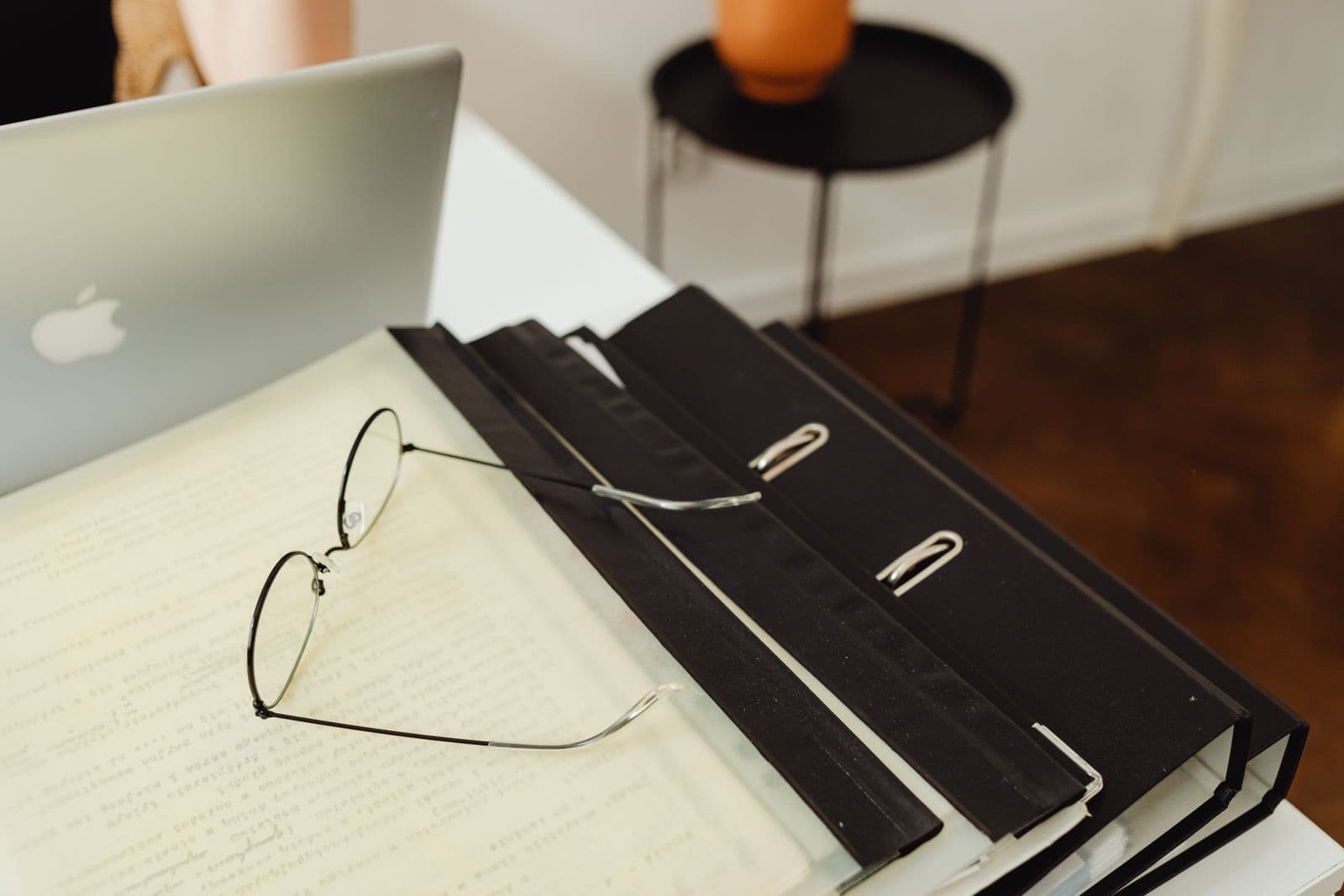
Less paper, less searching, less stress
A paperless office isn't about a heroic scanning week — it's about a small habit that compounds. Capture today's documents, keep new work digital, and within weeks the drawers stop growing and everything you need is a search away, on whatever device you're holding.
- Start small — no big scanning project.
- Every record backed up and searchable.
- The whole team captures into one place.
Why teams choose ScanPix to go paperless
The cabinet, retired
Every paper record becomes a searchable digital one, organised without effort.
Safer than paper
Encrypted and backed up — no fire, flood or lost file can take your records.
Your office in your pocket
Any record, any device, in seconds — iOS, Android and the web.
Share without photocopies
Send a link on WhatsApp instead of scanning, printing and couriering.
Frequently asked questions
Do I have to scan years of old paper to go paperless?
No. The practical way is to start with what you handle most from today — capture each new document as it arrives, and digitise older paper only when you actually touch it. You go paperless without stopping work for a big scanning project.
How do I find a document once it's digital?
Captured documents are organised into one searchable store with details filled in for you, so you can search by name, date or content instead of hunting through folders or drawers. Any record is a quick search away on any device.
Can my whole team go paperless on this?
Yes. Bring people into a shared workspace with role-based access, so everyone captures into and works from the same records. Everything is encrypted, private to you and the people you choose, and never sold.
Start paperless with today's documents
Start free on iOS, Android and the web — no card required.