
Home / Product / Scanning & capture
Scanning & captureCapture anything, cleanly
Point your phone and ScanPix does the rest — auto-detects the edges, crops, straightens and enhances paper into a crisp, multi-page file. It's the first step of a workspace that organises everything for you, not just another scan-to-PDF tool.

Paper piles up faster than you can file it
Bills, IDs, delivery notes and product shots arrive all day, and a quick phone photo is dark, skewed and instantly lost in the camera roll. By the time you need that document, it's buried under a thousand others — and retaking it isn't an option.
Dark, skewed photos
A rushed snap is crooked and shadowed — fine to glance at, useless to send to a buyer or accountant.
Lost in the camera roll
Important paperwork sits next to holiday photos, with no folder, no name and no way to find it later.
Loose pages, no document
A three-page agreement becomes three separate images that have to be reassembled by hand every time.
A real scanner in your pocket
Capture is built to do the tedious work for you, then hand a clean file straight to the rest of your workspace.
Auto edge-detection & straighten
ScanPix finds the page in the frame and perspective-corrects it, so even an angled photo comes out flat and square. Then it reads it →
Crop & enhance
Fine-tune the crop and let brightness, contrast and clean-up turn a grey snapshot into a sharp, readable scan. Great for product shots →
Multi-page & gallery import
Stack page after page into one document, reorder them, or import photos and files you already have on your phone. Filed automatically →
Straight into the workspace
Every capture lands organised, searchable and synced across your devices — not as a loose PDF you'll lose again. Synced everywhere →
From paper to filed in three taps
Point & capture
Hold your phone over the page. ScanPix detects the edges and grabs the shot at the right moment.
Crop & enhance
Confirm the crop and let auto-enhance clean it up. Add more pages to build a full document.
Save & organise
Save it to a folder. It's read, made searchable and synced to your team automatically.
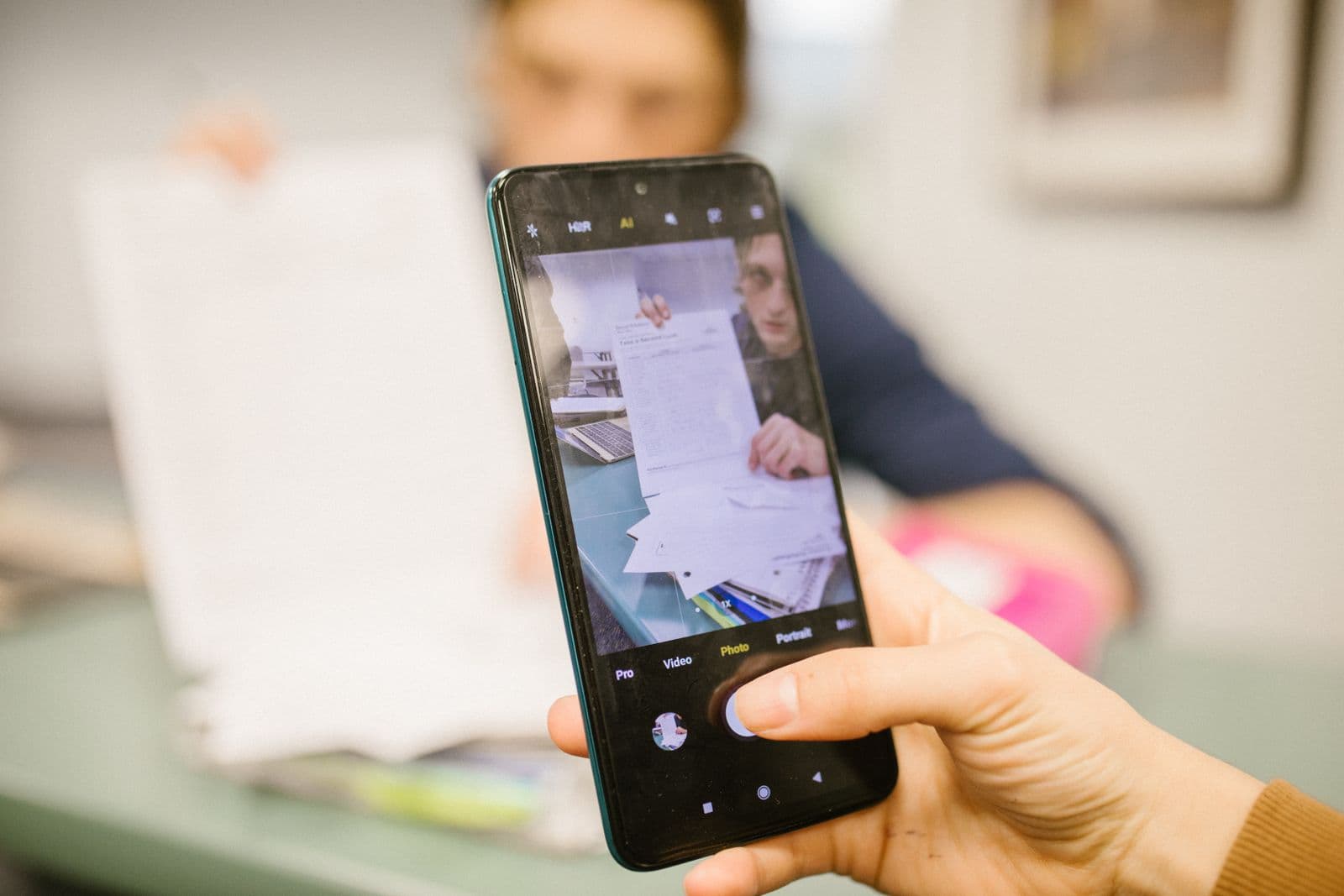
Scans that look like you meant to make them
Whether it's a tax invoice for your accountant or a product to put in a buyer's catalogue, the difference between a snapshot and a clean scan is the difference between looking organised and looking improvised. ScanPix gives every page the same crisp, professional finish.
- Flat, square, well-lit pages every time.
- Multi-page documents kept as one file.
- No scanner, no laptop, no extra hardware.
Works with the rest of ScanPix
Capture is the front door. Here's where every scan goes next.
Frequently asked questions
Do I need a flatbed scanner to use ScanPix?
No. Your phone camera is the scanner. ScanPix detects the page edges, straightens the perspective and enhances the image so paper documents and product photos come out clean and readable — no extra hardware required.
Can I scan multi-page documents and import existing photos?
Yes. Add page after page into a single multi-page document, reorder them, and import photos or files already on your phone. Everything lands in your workspace as one organised file rather than loose images.
What happens to a document after I capture it?
Every capture goes straight into your searchable workspace, where it can be read automatically, filed into folders, shared and synced across your devices and team. It is encrypted, private to you, and never sold.
Capture once — it's organised from there
Start free on iOS, Android and the web — no card required.